Latest Blog
Johnny Rambo
03.27.2024
At some point in the last couple of years I picked up the complete Rambo boardgame + expansions during a really good sale. The game looks like it's fun for solo play and follows the plot of the first 3 Rambo movies close enough to be fun, yet no so close you just copy whatever's done in the movies. Of course, I got the games and promptly put them on the shelf, as is my way. One of the extras for a different game is an unneeded mini of Rambo. I also have this Rambo game, sitting on a shelf. I suddenly don't know why I'm even mentioning these 2 games, as neither are particularly relevant to the mini. But, once you start typing why not just go with it and see what happens - or delete it?
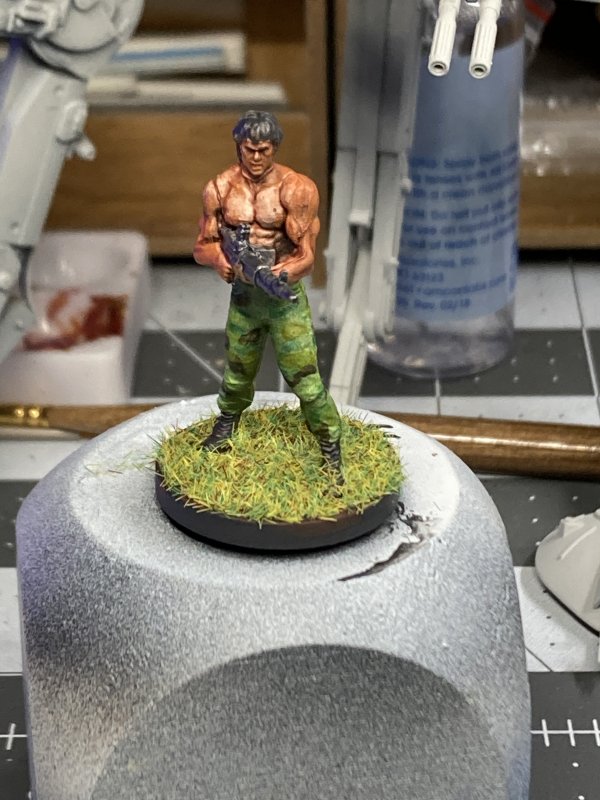
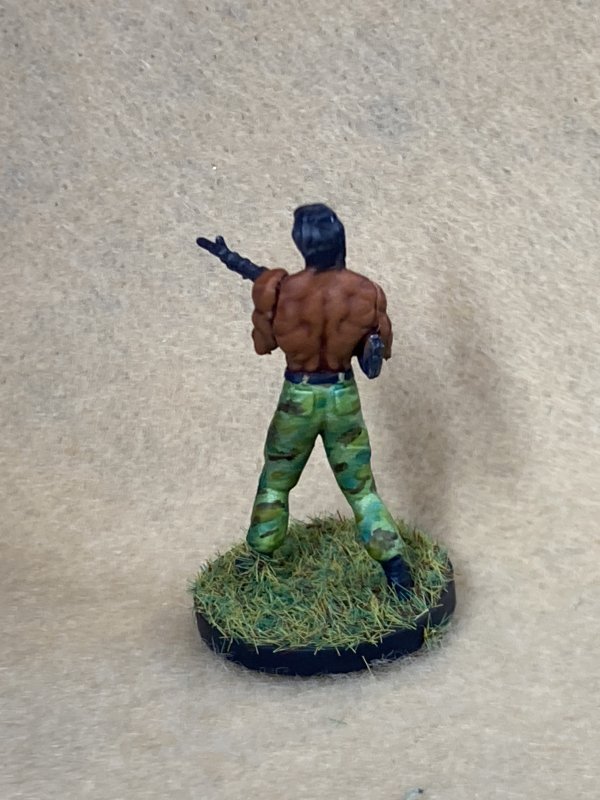
Little mini Johnny Rambo arrived and he wasn't quite as nice as the image shown for purchase. Arms and head has visible seam/gaps that I didn't bother to mess with before priming, and after priming I didn't think would be too obvious. I was wrong. Especially on the arms. Very, very wrong.
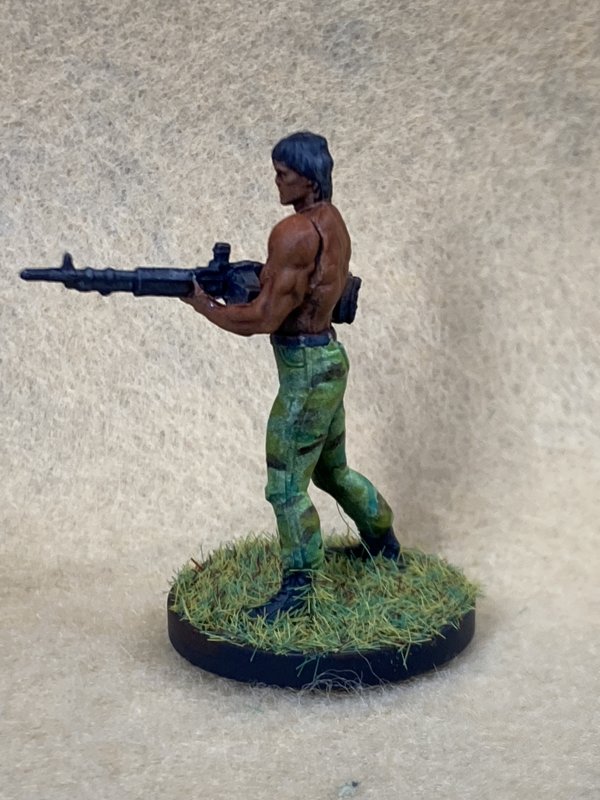
Damn the gaps, Johann Rambo would be painted! And painted he became. It's been a while since I played around with a camo pattern, and his britches reminded me it had been a while. Thus, Jojo got some camo pants. I went heavy on the skin wash to try and bring out the musculature on the body, and even lightened the tone on the pecs the way I see other people do... and I'm not quite there yet. A little too light on the pecs, I think.
A little static grass for the base and sealed everything up to be done. For something that was sitting on my desk primed for at least 2 months, roughly 2 hrs of paint-dry-paint-repeat was all that I spent on this one (yeah, sure, maybe it does show). I've been doing more plastic model building over the past month, without anything in the end phase enough to show here, so a quick many to show I'm still alive was a nice snack.
Wow, the lighting in the pics below really make a difference in showing the exact same skin tone...


Older Blogs
WIP Friends are now just Friends
Latest DVDs
Abyss
(1989)


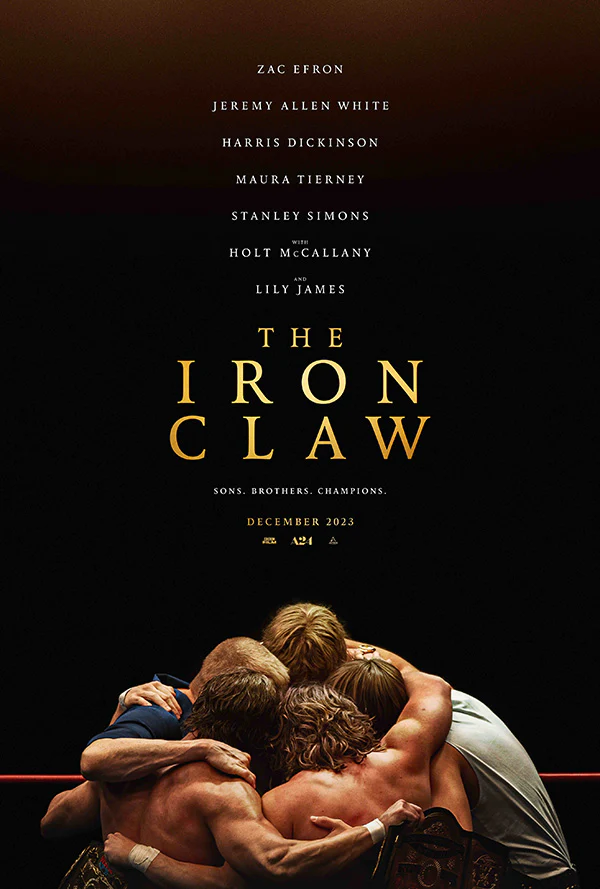
Iron Claw
(2023)


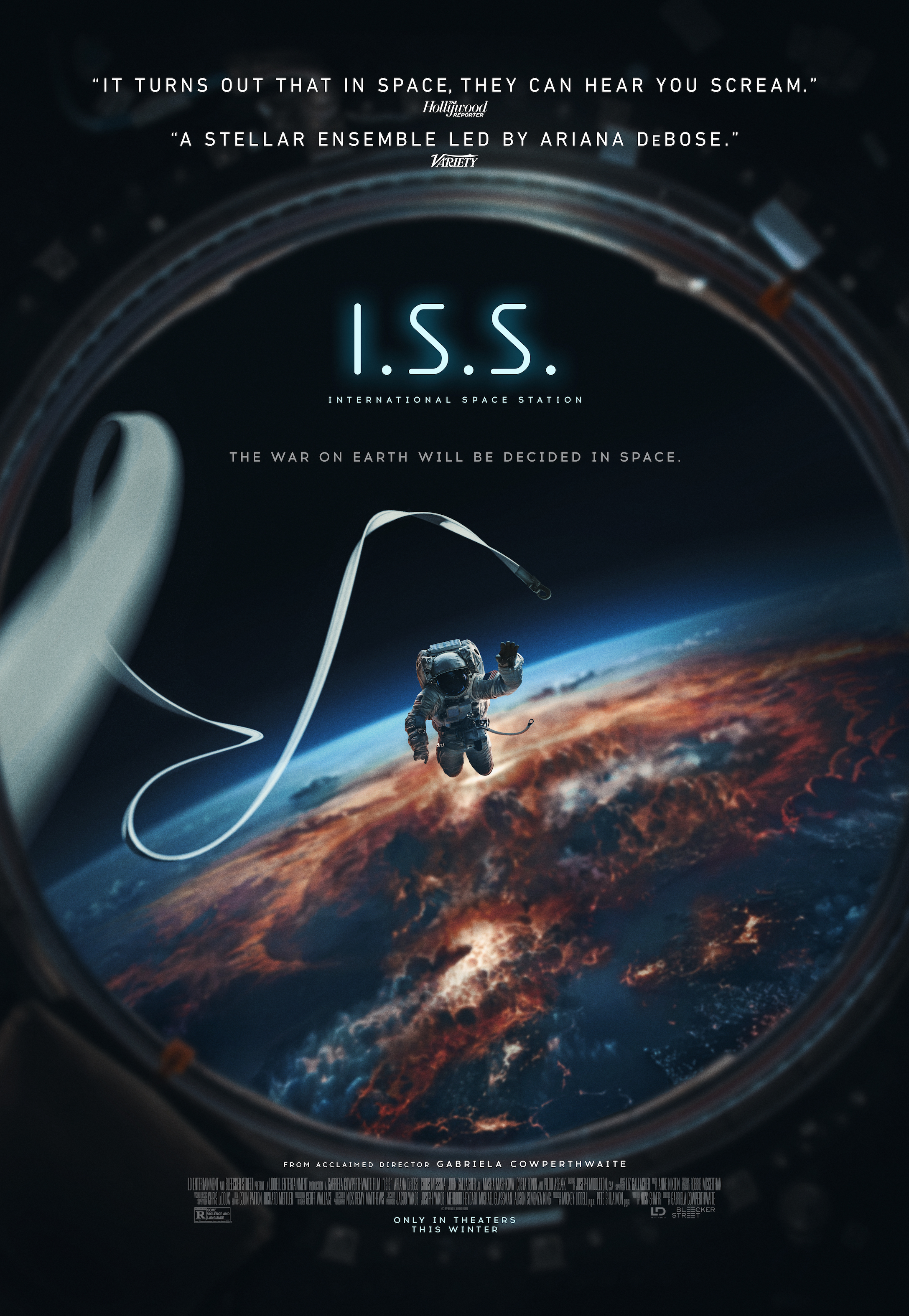
ISS
(2023)
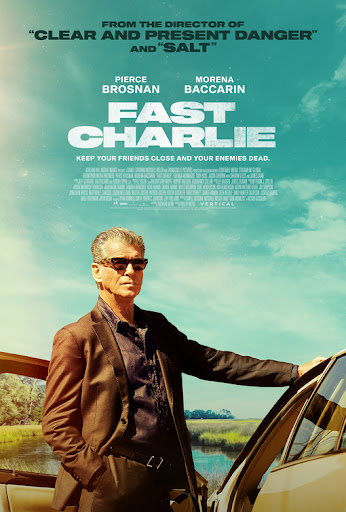
Fast Charlie
(2023)

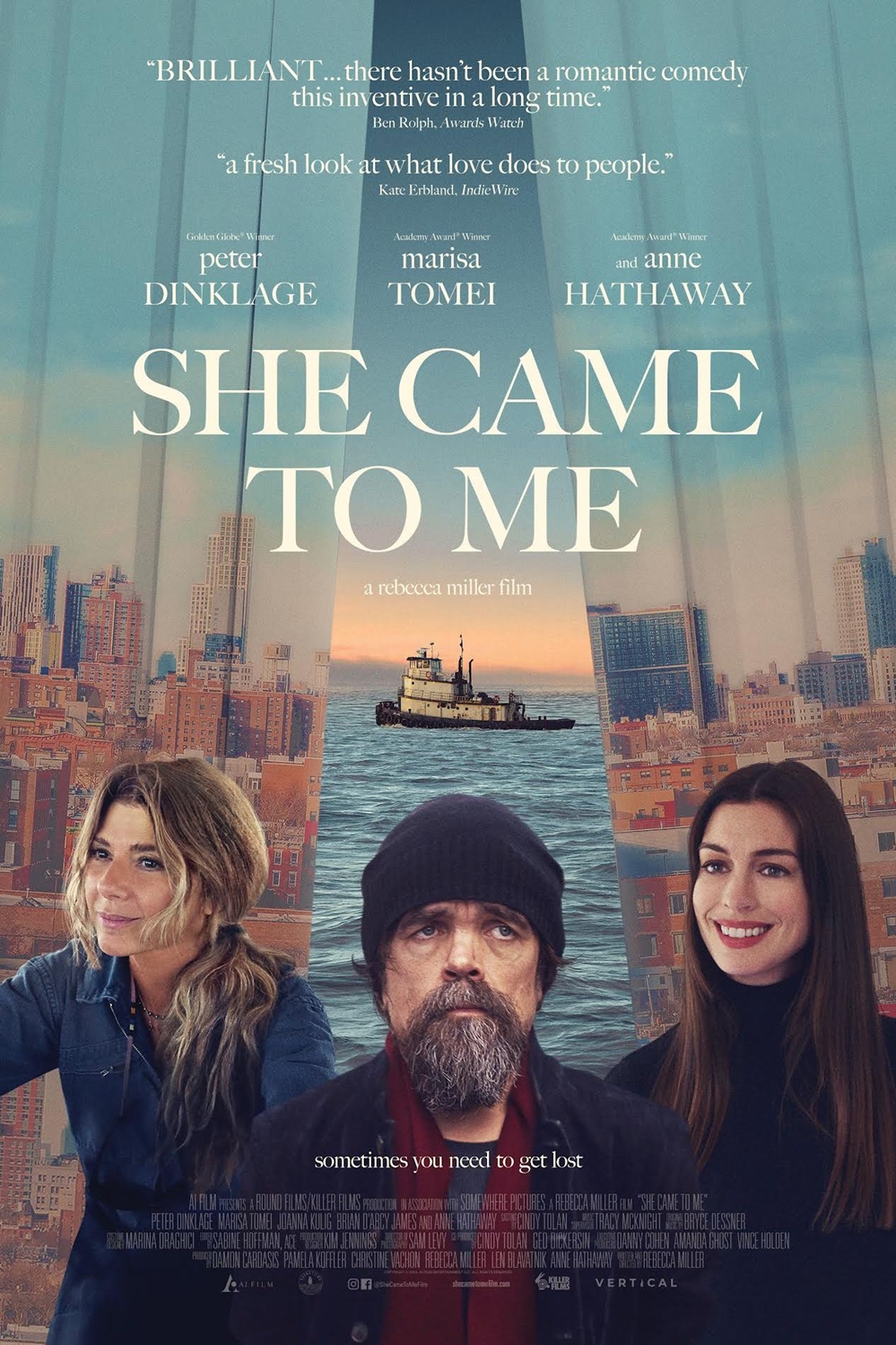
She Came To Me
(2023)
Loki, Season 1
(2021)
